BuilderBot
A self-hosted workshop for coding agents
Your projects, the machines that build them, and the sessions working on them, in one dashboard you host yourself. Claude Code, Codex CLI, Copilot CLI and Grok Build, each briefed with your project's rules and plan, on machines you own.
Open source, Apache 2.0. Runs as a container, on a Linux machine of its own, or as its own OS, where it is an AI-assisted NAS too.

What it is
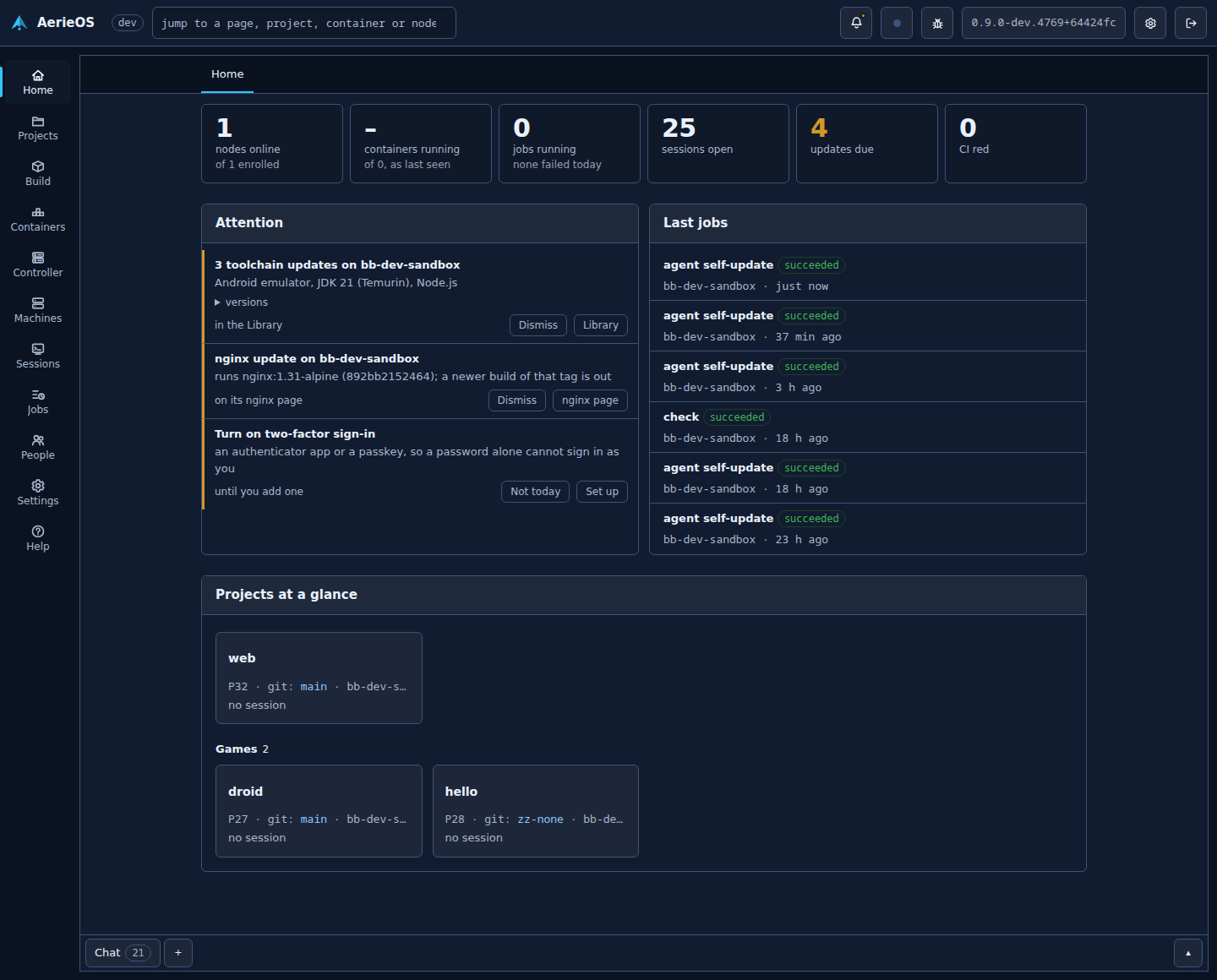
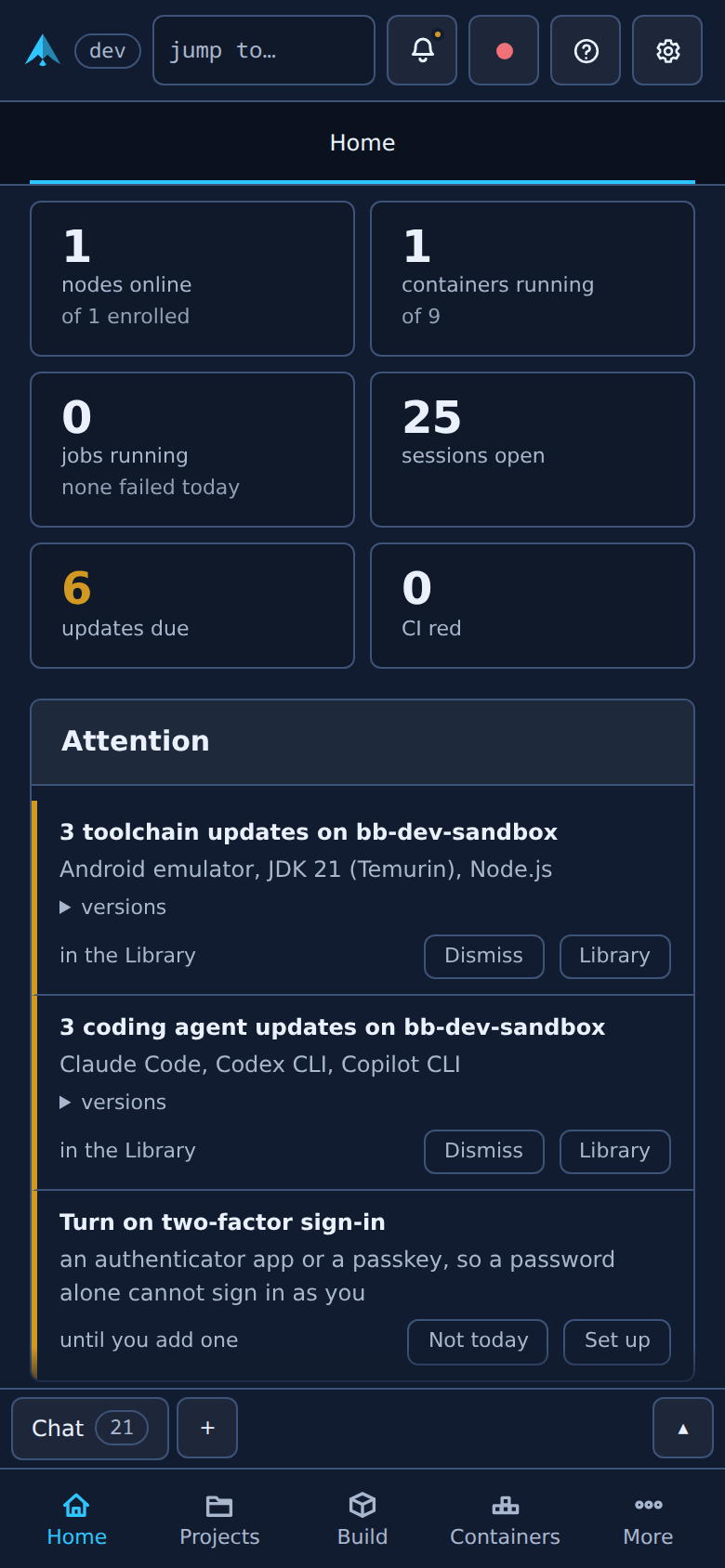
BuilderBot is a controller and the machines you enroll under it, the nodes. The controller keeps the dashboard and the record of every project: its plan, its bugs, its rules, its design. The nodes do the work. Open a project from a desktop or a phone and a session starts on its node, already briefed.
Coding agents from the browser
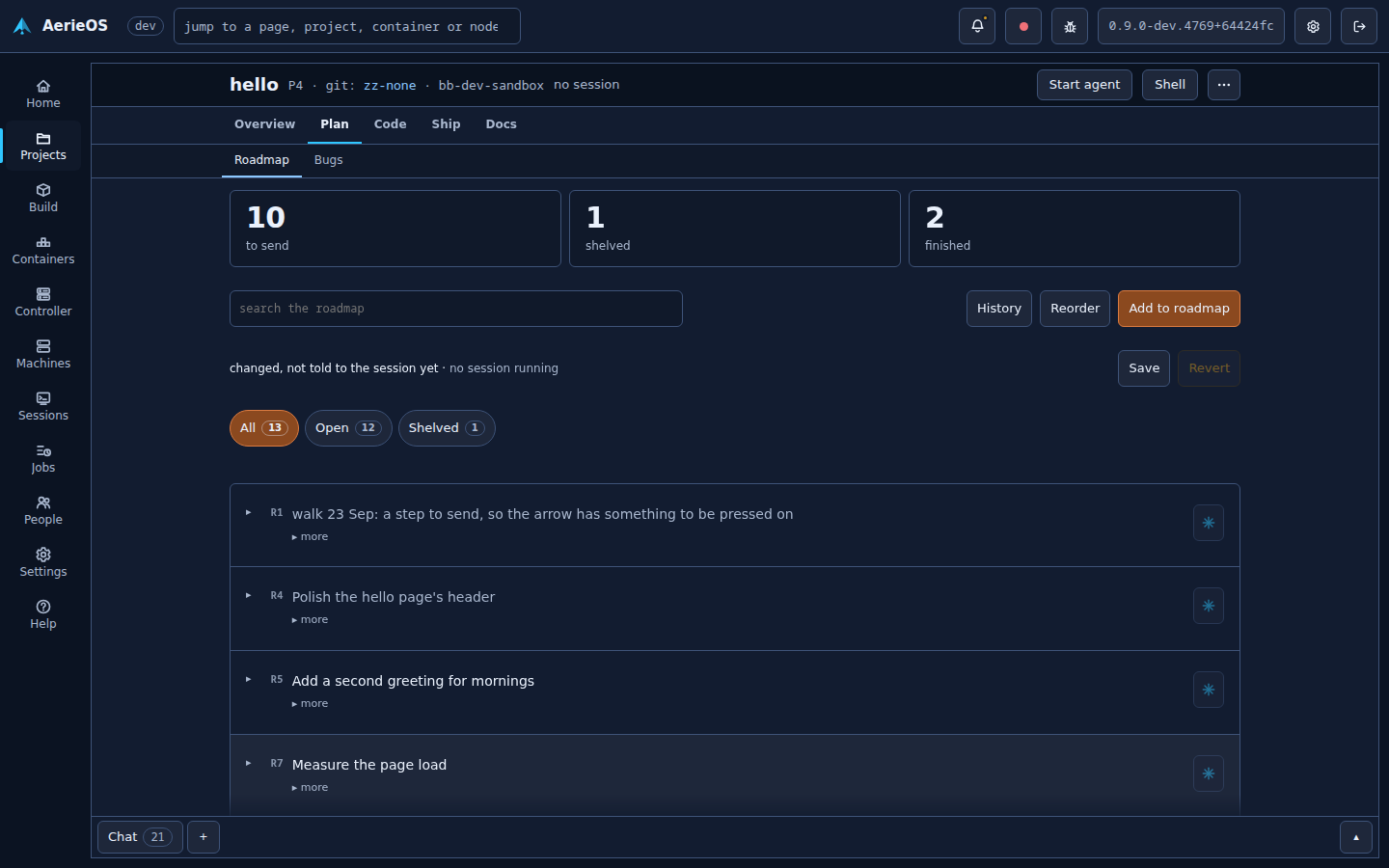
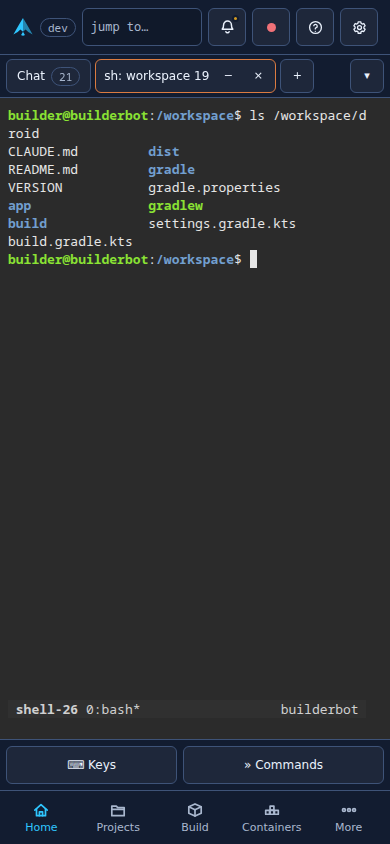
Claude Code, Codex CLI, Copilot CLI, Grok Build and any model through a node's model router, each started from a project's page and briefed with its house rules, roadmap and open bugs. Close the tab and the session keeps going.
A page per project
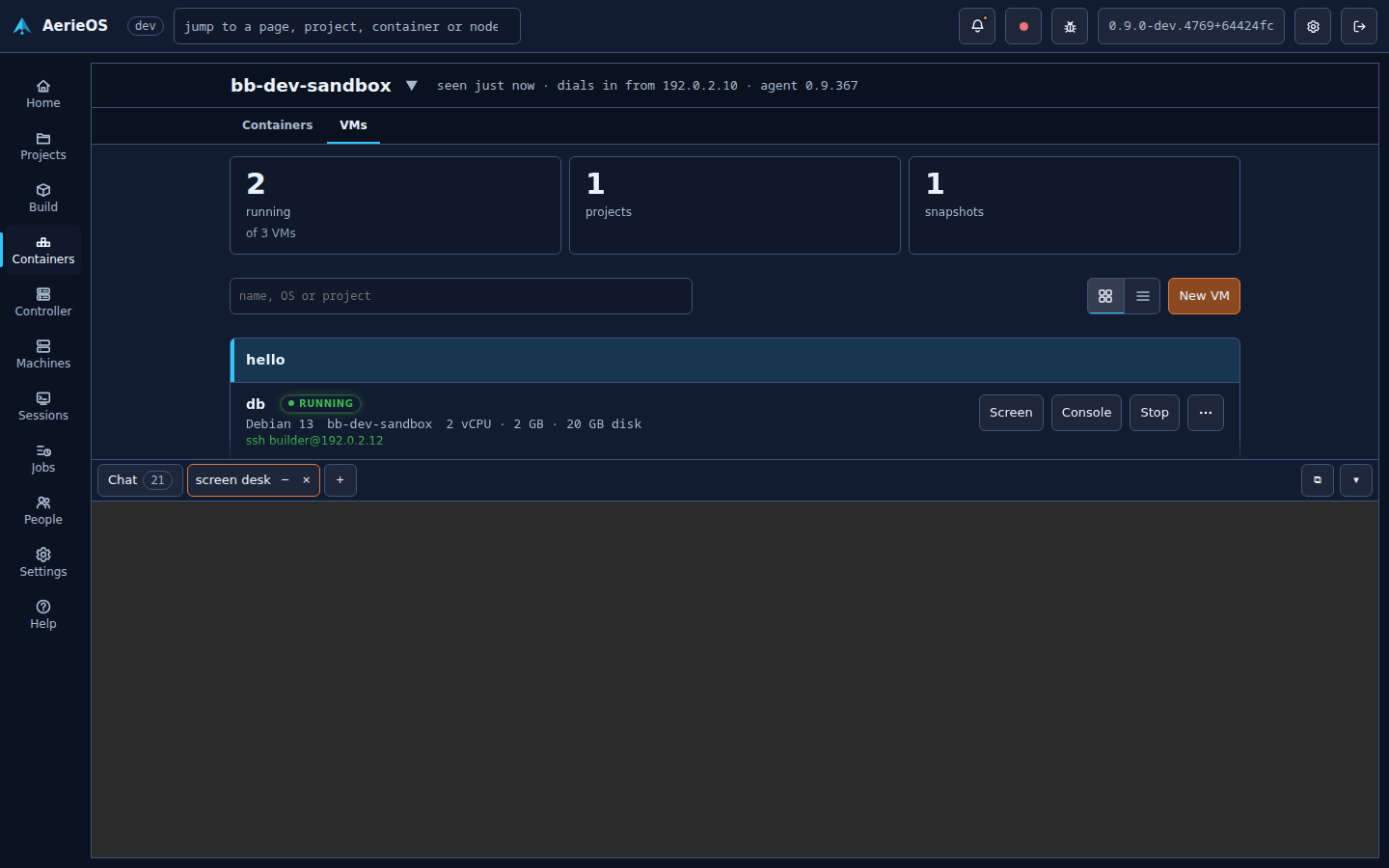
Its overview, rules, roadmap, bug tracker, git, tests, analysis, artifacts, containers, VMs, wiki and design, shared between you and every session that works there.
Machines that do the work
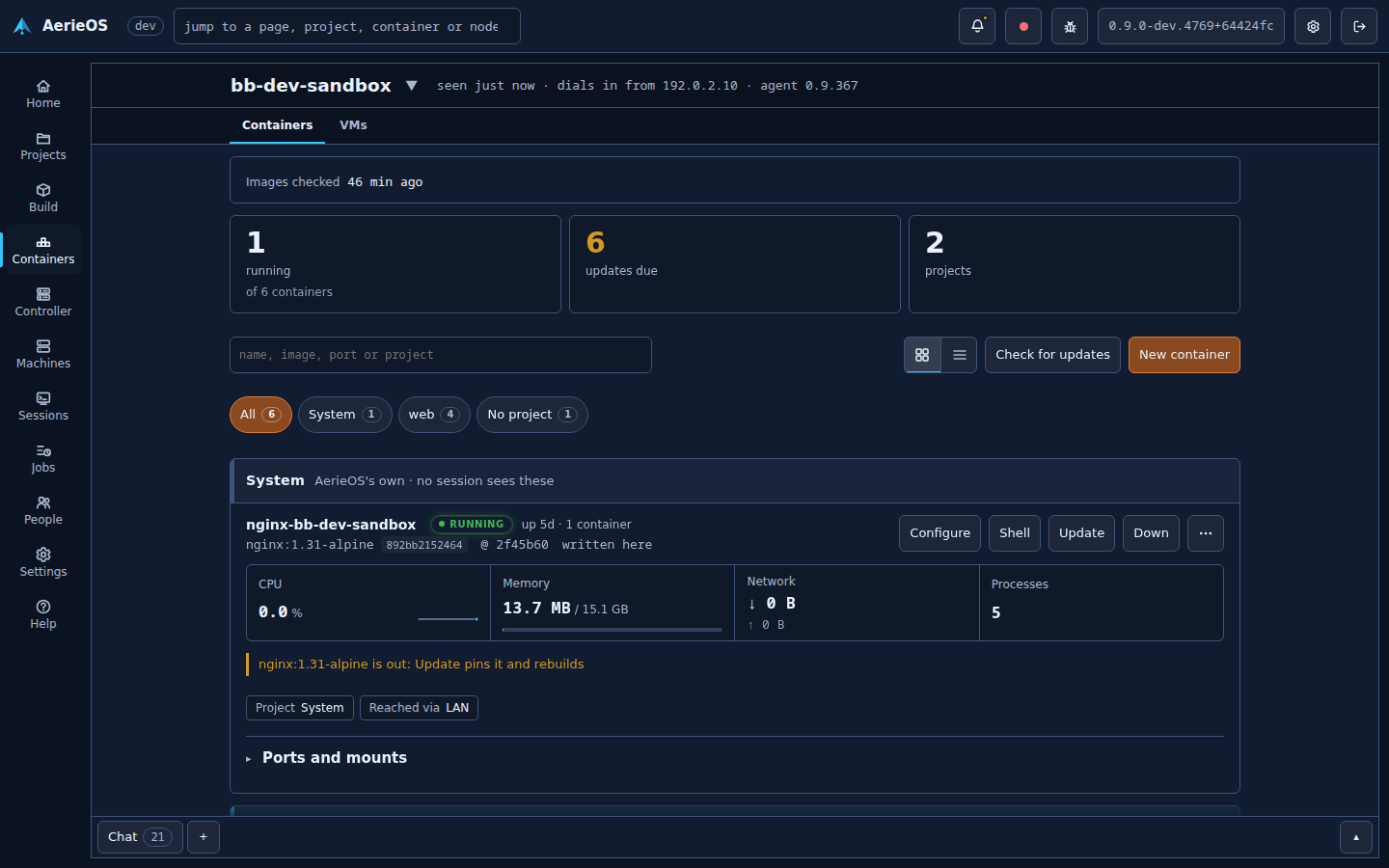
Enroll a Linux machine or VM with one script. Sessions, builds, tests, CI runners, Android emulators, containers and VMs run on the nodes, never on the controller by accident.
People and permissions
Accounts with roles, per-project access and a dial for everything a session may do on its own: allowed, asked of a person, or refused.
Secrets kept sealed
A key made at install seals what the controller keeps. A session reaches a git host only through the controller, so it never holds the credential.
A NAS when you want one
On the installed editions the machine's disks become pools or an array with parity, SMB and NFS shares, snapshots and backups, beside everything else.
On a desk and on a phone
The Library
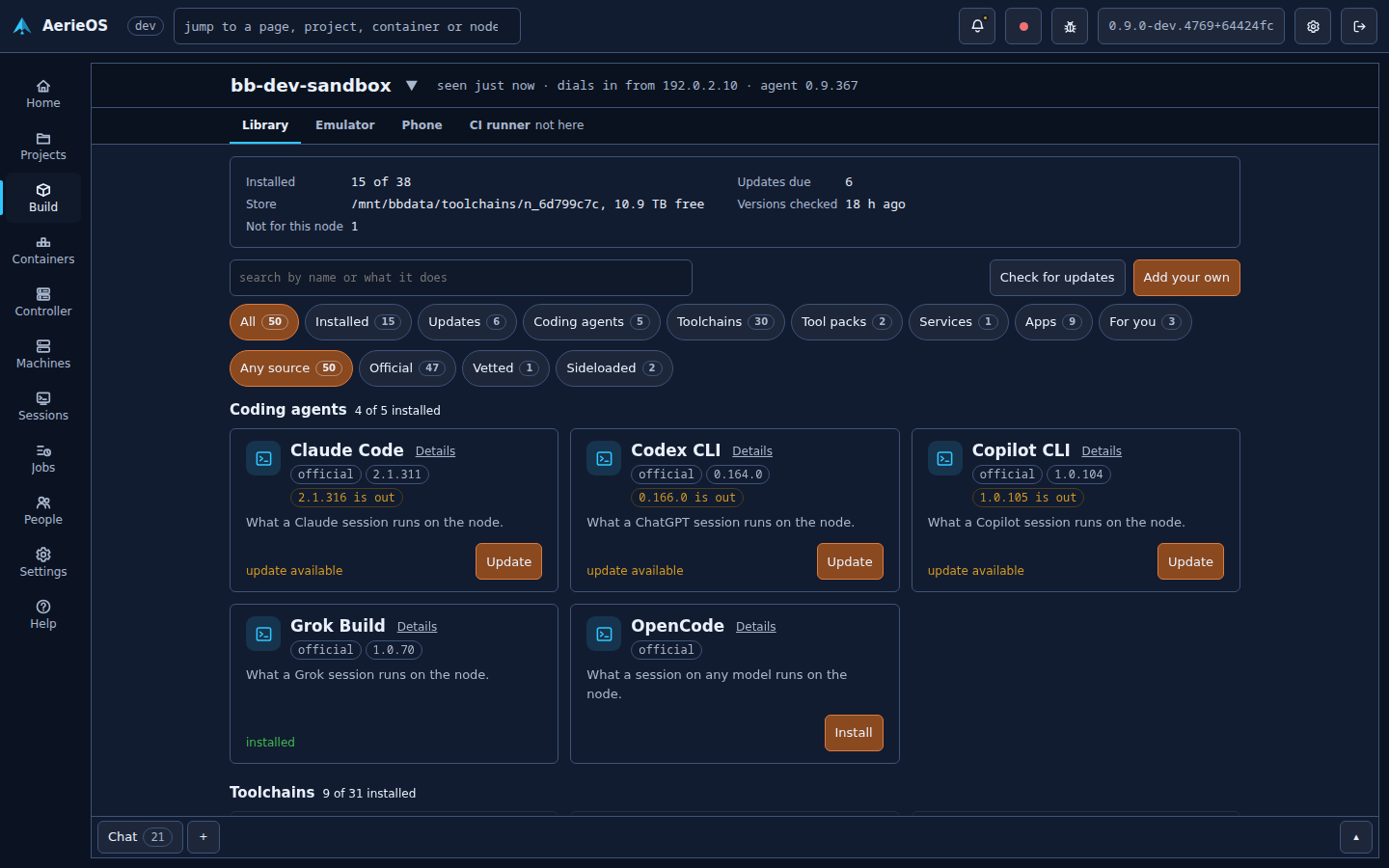
One store for everything a machine runs
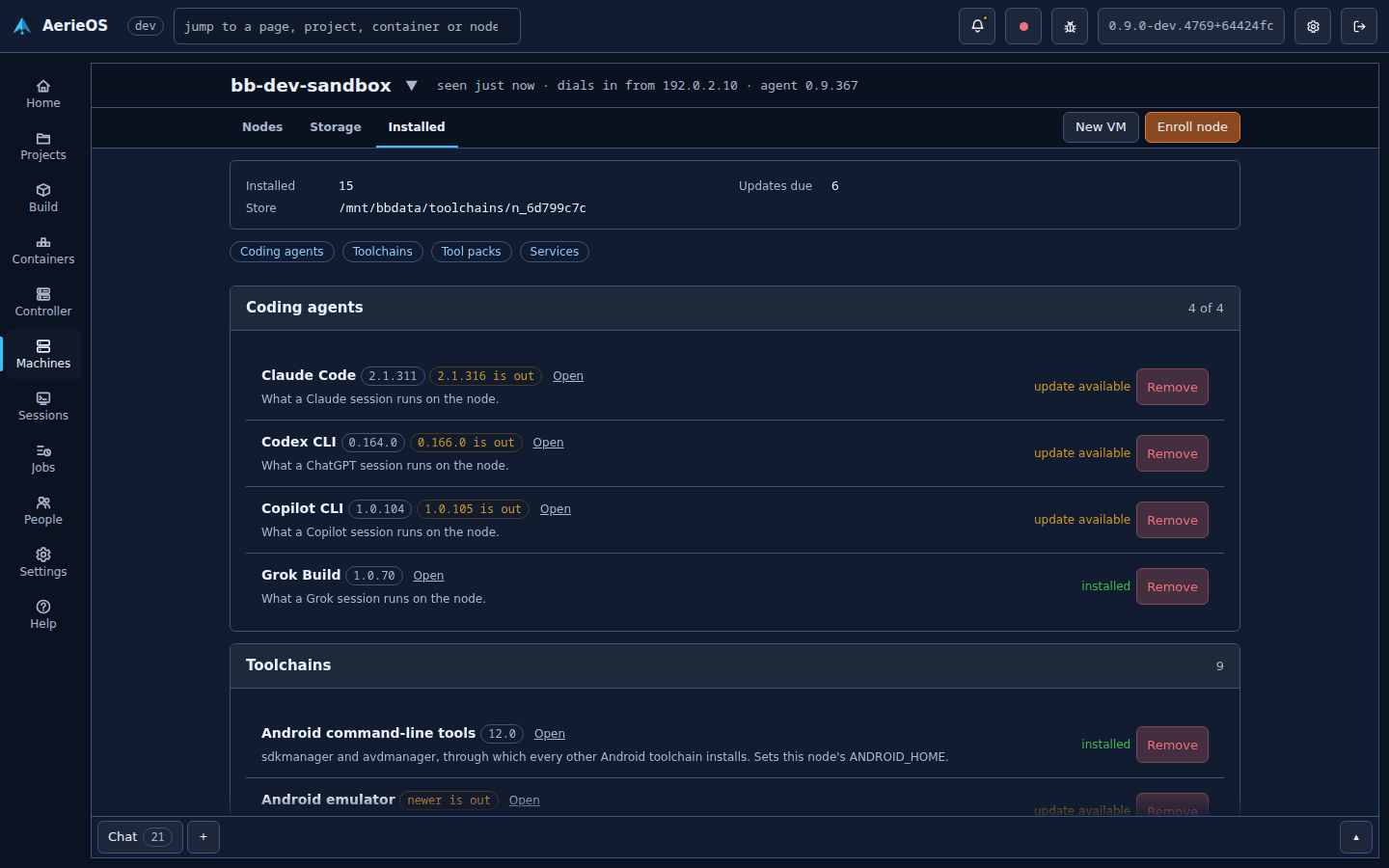
Pick a machine and the Library shows what it can take, as cards. Install or update in a click, or add your own; what is installed is then managed where it lives.
- Coding agents Claude Code, Codex CLI, Copilot CLI, Grok Build, OpenCode
- Toolchains what builds and tests need, checked against their publisher's signature
- Tool packs from the vetted catalog, or one of your own
- Services like the model router, for any model a coding agent can use
- Apps Jellyfin, Plex, Immich, Nextcloud, Home Assistant and more, each a container
Also a NAS
Your home server, with an agent beside it
On a machine of its own, BuilderBot runs your disks as pools or an array with parity, serves SMB and NFS shares, runs Jellyfin, Plex, Immich, Nextcloud and Home Assistant from its Library, and hosts VMs. Ask a session to make a VM, write a service's compose file, or read why a container stopped: it works under the same permissions as everything else.