AerieOS
In AerieOS, not Aerie Workshop
A NAS with an agent beside it
On a machine of its own, AerieOS is a NAS and an AI workshop in one: your disks as pools or an array, shares for every device in the house, media and photo apps, and VMs. And the coding agents that work on your projects can help run it, under the same permissions you set for everything else.
Everything a home server does
Your disks, your way
ZFS pools when the disks match, or an array of mixed disks with parity that grows a disk at a time. A pool for each purpose: media, backups, apps, VMs. Snapshots on a schedule and backups off the machine.
Shares
SMB and NFS shares with access per person, Time Machine included, served by the kernel and Samba themselves, never through the dashboard.
Apps in a click
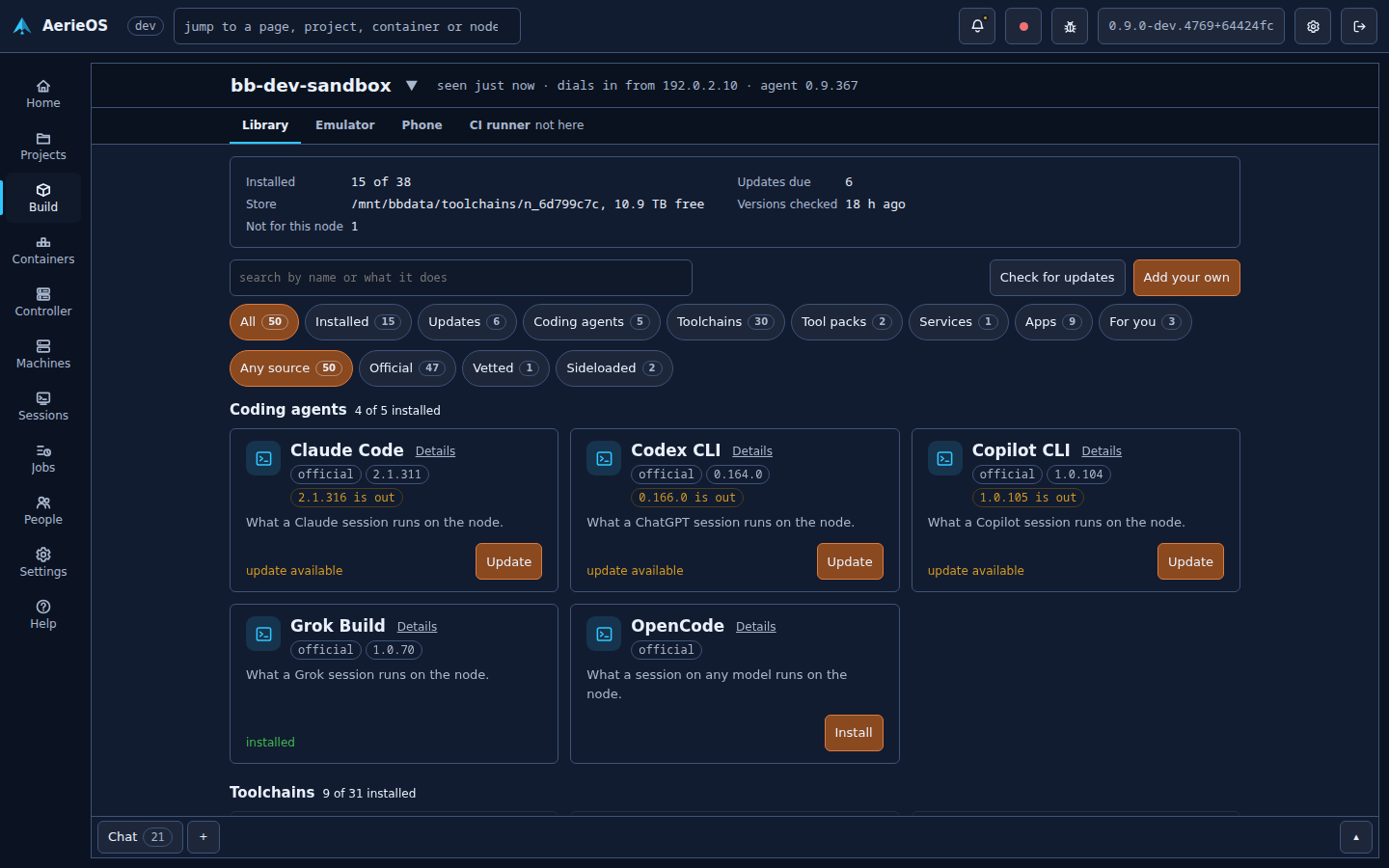
Jellyfin, Plex, the arr stack, qBittorrent, Immich, Nextcloud, Home Assistant and Syncthing from the Library, each a container with its folders picked, behind the machine's nginx with a certificate.
Virtual machines
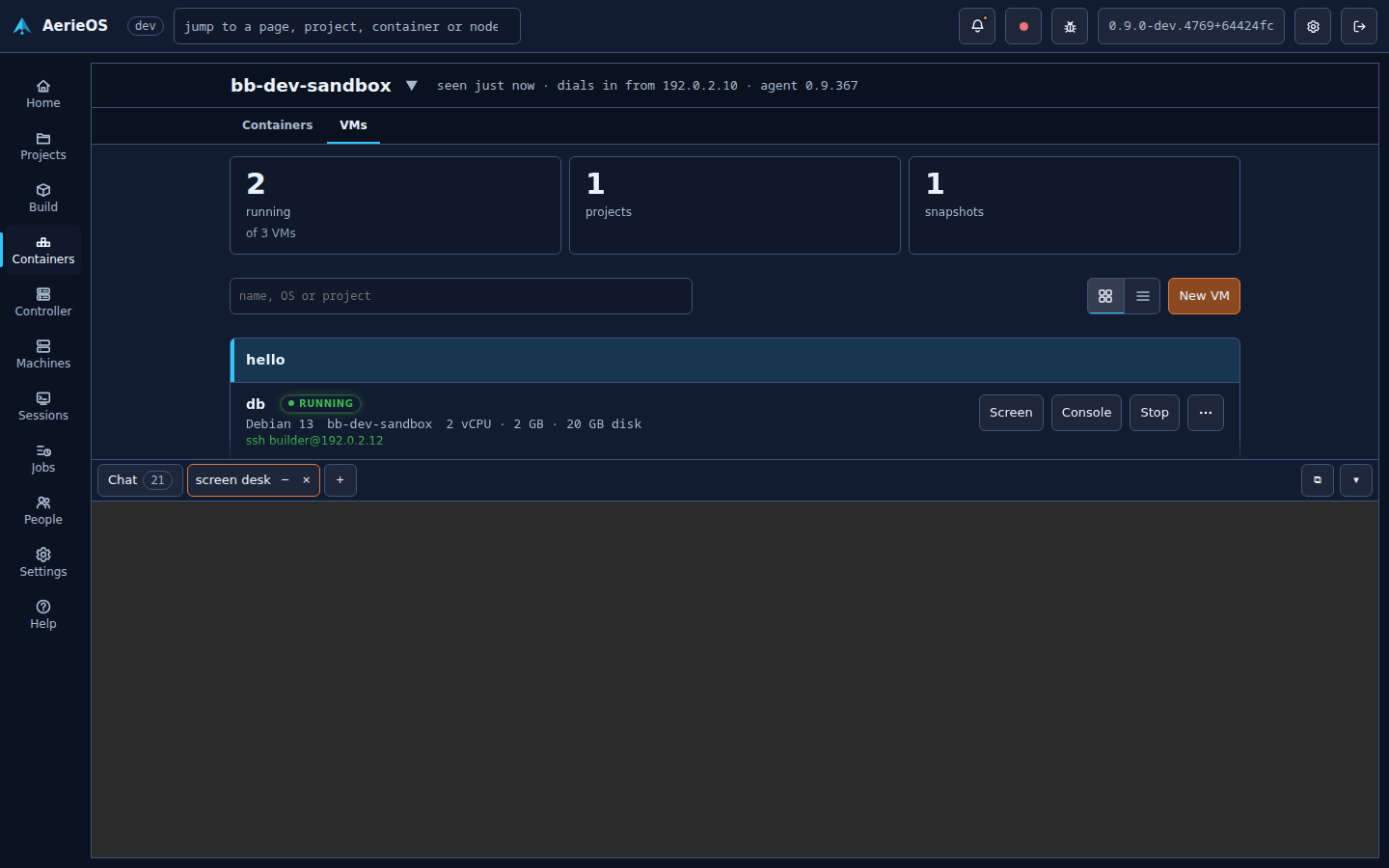
From a cloud image or an installer's ISO, Windows included, with snapshots, USB devices passed through and the screen in your browser.
Moving the NAS you have
Disks another system made are taken as they are, never formatted: read-only by default so its parity stays good, its shares served again, its containers and VMs brought back with the exact images they ran.
Built to come back
AerieOS updates into a second slot and falls back by itself when an update does not come up; a held start waits for you after an unclean shutdown; a console and a rescue entry for when the network does not answer.
AI-assisted, not AI-run
A session is held to the dials you set: what it may do on its own, what it asks you first, and what it may never do. Nothing touches your disks without you.
Ask for a VM
"A Debian 12 VM with 4 GB for the media scripts": a session makes it on the project's node, where the project allows it.
Ask for a service
A session writes the compose file for what you describe, and the container is made once you say yes on the bell.
Ask why something stopped
A session reads a container's logs and the machine's, where it has been granted them, and says what went wrong and how to fix it.